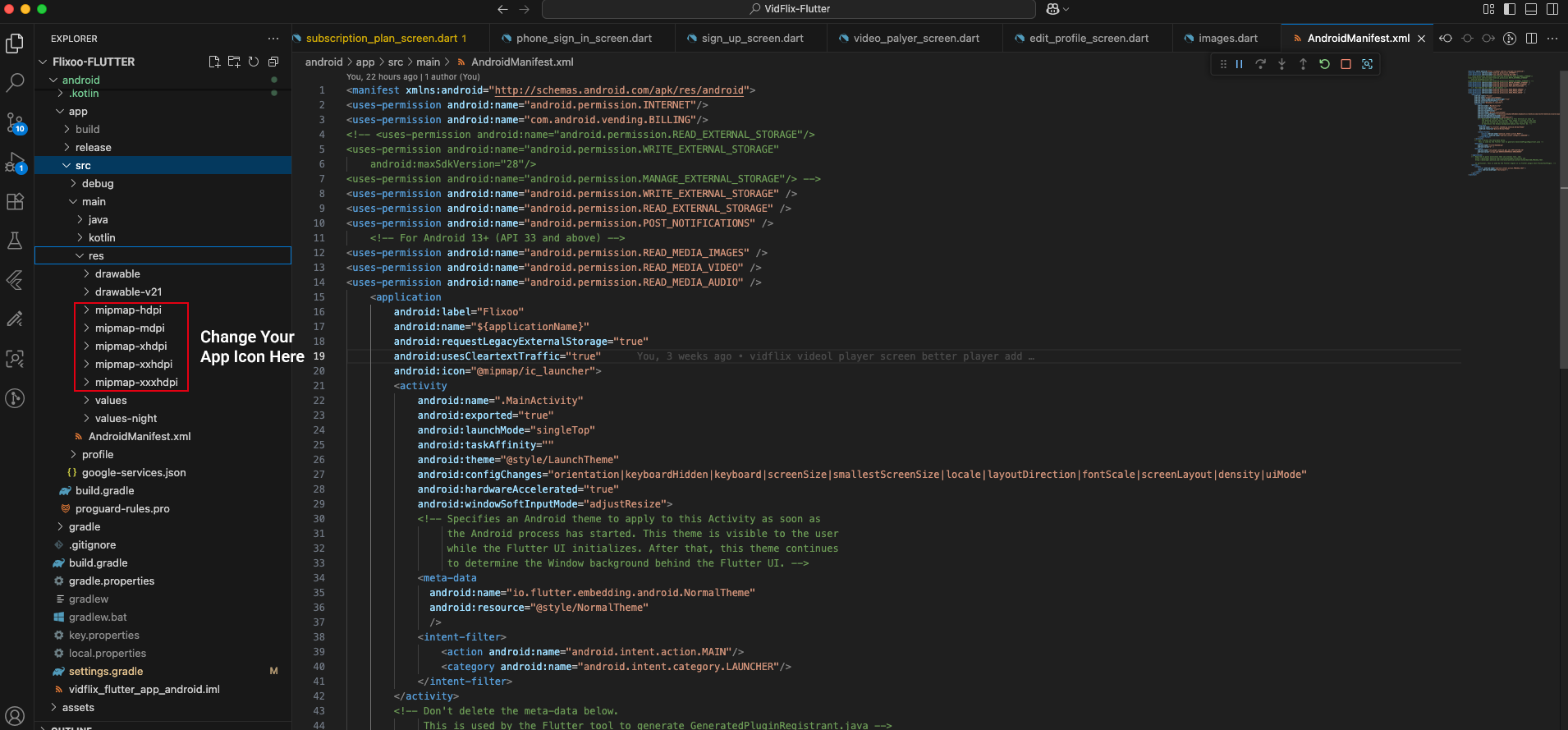
Change App Logo
CHANGE APP ICON
First, you need to generate your app icon. You can use an online app icon generator to create icons for different resolutions.
- Generate App Icons: Use an online tool like Android Asset Studio or any other app icon generator to create your app icons.
- Download and Extract: Download the generated zip file and extract it.
- Replace Icons: Go to Project » android » app » src » main » res and replace the existing mipmap folders with the ones you extracted.
- Update App Icon in Flutter: Rename your Icon to app_icon.png then copy/paste into directory location: Project » assets » logos. Recommended logo size is 512x512.